
Welcome to the Austin Seven Friends web site and forum
As announced earlier, this forum with it's respective web address will go offline within the next days!
Please follow the link to our new forum
http://www.austinsevenfriends.co.uk/forum
and make sure, you readjust your link button to the new address!
Photobucket appear to be revolting by applying blackmail to users to upgrade by exchanging this  for what ever photo was recalled from them.
Ian Mc.
Location: Shropshire
My thoughts exactly Ian, as I've given up completely with them, as photos on my free account were made for all practical purposes, impossible to retrieve.
I wish there was an easier way to upload photos directly from my pc, like other forums I use. Perhaps this is something which may be considered with the new website format being investigated. Fingers crossed!
Bill
Location: Saumur, France

I thought that it was just me when my avatar came up as that this morning.
I've only used 21% of my "free" storage, so I'm nowhere near needing an upgrade!
Yes, the sooner that this Forum can operate without the awful and unwieldy Photobucket, the better!
Location: Herefordshire, with an "E" not a "T".
I've only used 21% of my "free" storage, so I'm nowhere near needing an upgrade!
Yes, the sooner that this Forum can operate without the awful and unwieldy Photobucket, the better!
HEAR HEAR. ALWAYS SEEMS SUCH A PALAVER TO ADD PIC'S WHEN COMPARED TO SOMETHING LIKE E-BAY. HOPE THE UPDATED SITE IMPROVES THE PROCESS.
Location: Piddle Valley
As I have mentioned on other threads, Photobucket is a shadow of its former self and I have ditched it in favour of a paid account with Flickr. Even the free Flickr, which does have ads, is nothing like the awful, unwieldy and slow P-bucket.
You do not need Photobucket in order to post photos on this forum.
It is perfectly easy to get the embed code from the 'share' button on Flickr and simply copy and paste it into your posting. In fact any photo hosting site will give you access to such coding.
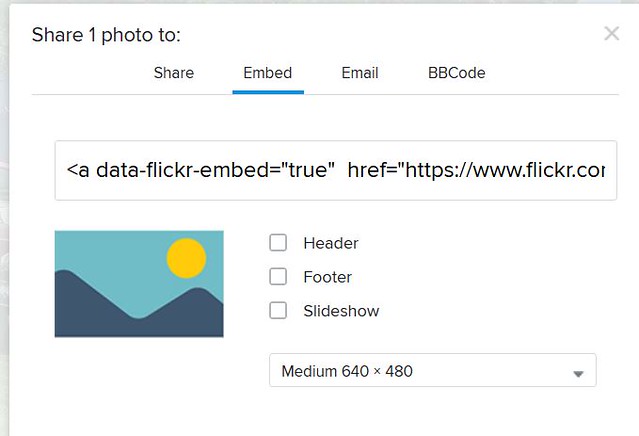
This is what the code looks like for one image.

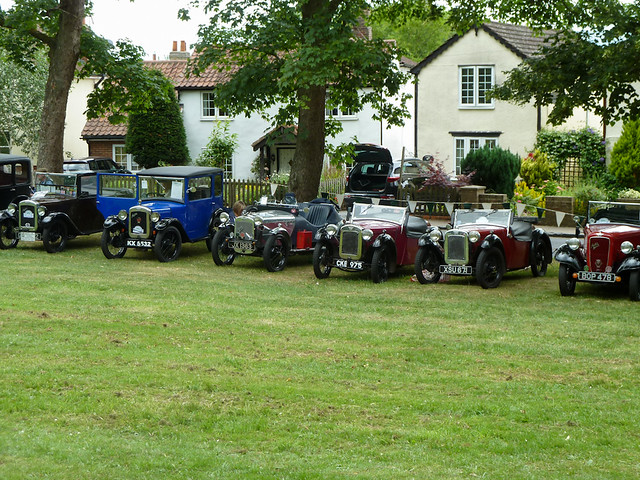
And this is what appears if that full code were used:
Location: North Herts
Agree flickr is a much better option.
No need for a paid account for the amount that most of us will use it.
No pop up screen adverts, though if you are browsing through someones photographs there are occasionally adverts placed in between. For forum use I can see no down side other than the information that they ask for to sign up for the required yahoo account.
Location: New Forest
I use Servimg.com myself. Free & efficent.
Then maybe the "new" forum will have it's own image server like one I'm a member of here. Much easier to simply click on the "add a file from your computer" button. This file can be pdf or jpg or any else. Really a pleasure to use. One big advantage is that those images won't vanish.
Location: Brittany
Two nights ago I attempted to post a trial photo. I signed up to Photobucket. Although it was a bit different from the Forum instructions I managed to copy a code and tried to post it. I only got code.
I then signed up to Flickr and tried with it. A code went in and I gave it some text. When I post, all I get is the code. No image. Advice please.
Bruce
Location: New Zealand, Whangarei
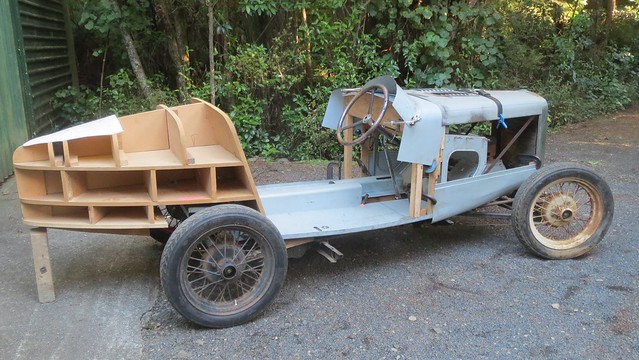
Trial photo post. Seems to work, thank you Nick.
Now to load more photos to Flickr.
Bruce
Location: New Zealand, Whangarei
Bill
Lets hope so, its always going to be a minefield of T&C's and unreliable continuity when the images are hosed on a third party provider.
This forum is brilliant, but if all the image content is lost over time its value is diminished.
Bill
Lets hope so, its always going to be a minefield of T&C's and unreliable continuity when the images are hosed on a third party provider.
This forum is brilliant, but if all the image content is lost over time its value is diminished.
Looks like some are already gone, check out the When we were young thread. IanM


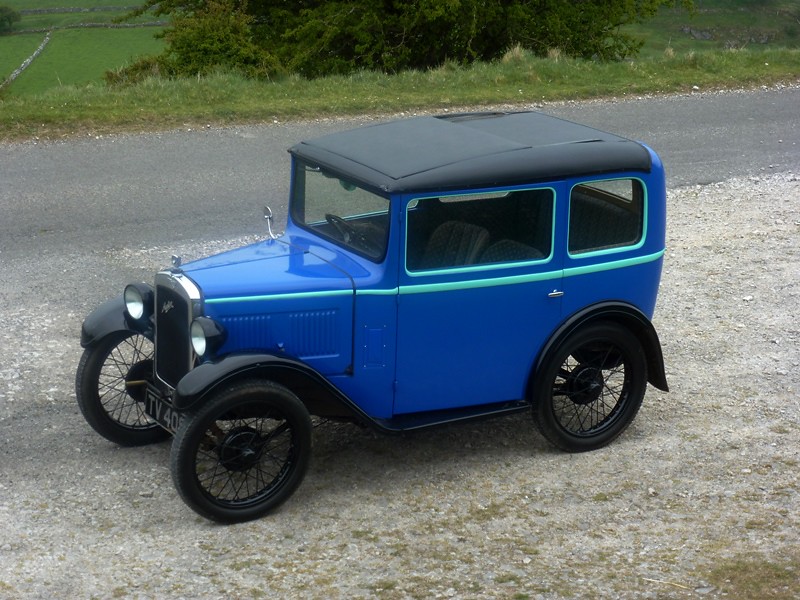
I've had no problems with Photobucket so far, apart from it becoming extremely slow and clunky. However, in view of the current situation, I have opened a Flickr account,and here's a test pic to see if it works!
Edit: Well, that seems to work after a fashion, but it has distorted the image ... anyone had that problem before?
The only problem I've had with Flickr is that the iPhone app doesn't have the embed option to get the URL code . Have had to logon via a web based system to obtain it.
Bryan
Location: Whangarei New Zealand
There must be a prefered size of photo image and or file size that works best for posting from Flikr to the Forum. Does any one know?
I am wondering how to load a group of photos and do captions. Adding text between the codes will be difficult. I can see them getting muddled unless I make notes before hand. Looking for an easyier way. I see now why posts with a string of photos often have little information with each image.
Cheers, Bruce
Location: New Zealand, Whangarei
Hello Mike,
After a bit of head scratching I think I have worked out what went wrong.
The code that it is posting under does not work in the same way as the usual bb code and doesn't properly scale the image to fit the forum if the width is larger than the forum can accept.
When you click the share button it automatically chooses size width 640 (see Nicks picture of the box that comes up when you click share and embed). If you change this to anything bigger the forum will scale the width of your picture down till it fits the forum (somewhere just above 640 wide), but for some reason it leaves the height unchanged. Hence why the forum has squashed the width of your 800x600 photo to just over 640, but left the height at 600.
There are a couple of options to stop this happening, though the easiest is just to make sure that the size in the box starts with 640 before copying the code (Less will not cause any distortion, it will just be smaller). As above 640 width seems to be the standard size that comes up when you hit share and embed. People can still view the larger photo by clicking the image.
Here's your photo using the standard 640 width option.
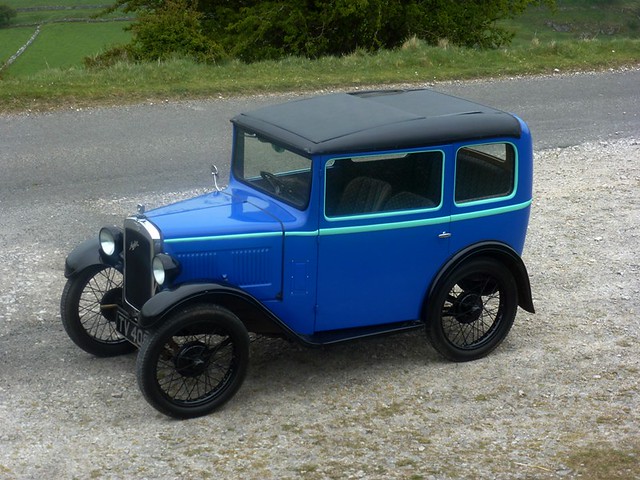
Bruce so long as you use the standard embed size as above you should be fine.
Best way to put photos and captions in is to get the code for each image one at a time, transfer it to the forum and write your caption before putting the next one in. If you're worried at how it's coming out, just hit 'preview' and it will show how your post will look with the pictures, then press 'make changes' to return to writing.
All the best
Timothy
Location: New Forest
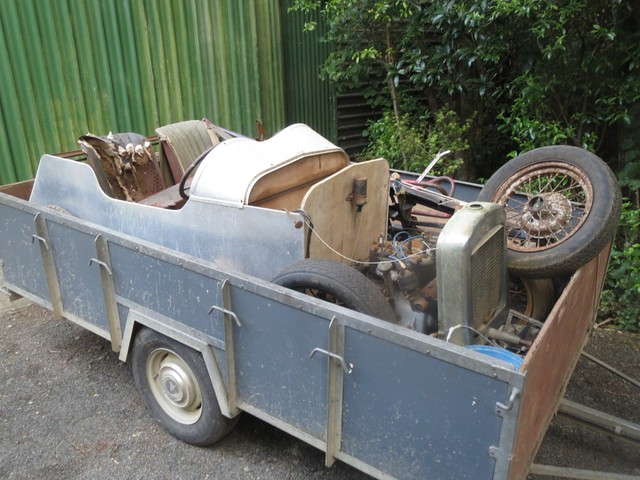
Here are a few photos of when I purchased a pile of A7 parts.
Experimenting with tags to the images, hoping that will work for captions.
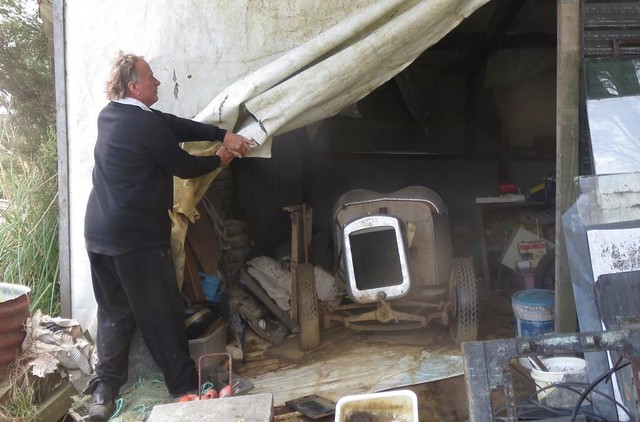
Lets try the next image.
Now one more.
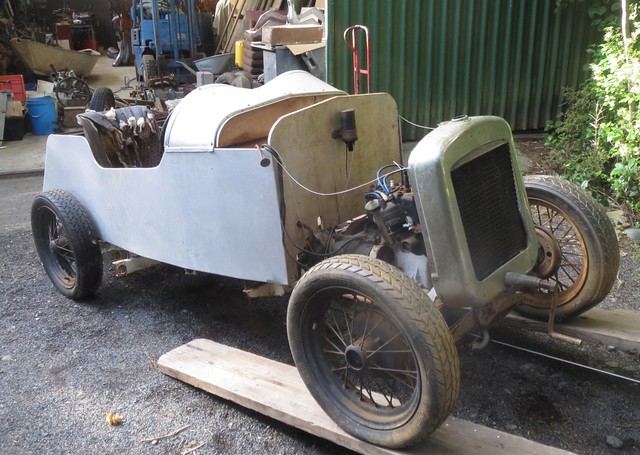
Well that doesn't work in the preview. The tag comes up when I run the cursor over each image while in 'Preview' but that probibly will not happen when I post. Will try and see.
The answer meanwhile is to load each mage one at a time and caption as you go.
Cheers,
Bruce
Well I see running the cursor over the photo does bring up the tag.
Location: New Zealand, Whangarei
Hello Bruce,
Sorry I appear to have misinterpreted slightly. I assumed you wanted to add text descriptions into your reply as you did with 'lets try the next image' etc, hence why I advised to do one at a time and write what you want after each one before putting the next in so that you can keep track. If you just want to put titles on the images in flickr (these appear when you hover over the image when posted in the forum as you've found) you can upload a group of photos and add different titles to them at the same time. If you click on upload and then either drag all of the files into the screen or click 'add' (top left) and select your files, they should appear in the main screen as thumbnails with the file name, and 'add a description' beneath. If you click the file name (Title) then you can change the text for each one in the same screen, and even add extra description below (I don't think this part appears when you hover though). When you have finished all of them just click upload (top right). It may take a good while to upload a batch depending on the file size.
Note: The default title for each image is it's file name so you could rename the files with a description before uploading and these would appear as the titles without needing further editing.
Hope that helps 
Location: New Forest
Thanks for your advice Timothy. Think I will copy and file all the helpful comments from this post.
Just been uploading more images to Flickr and think I need permission for a couple as I wish to mention names and show cars.
Better do some work now, thanks,
Bruce
Location: New Zealand, Whangarei
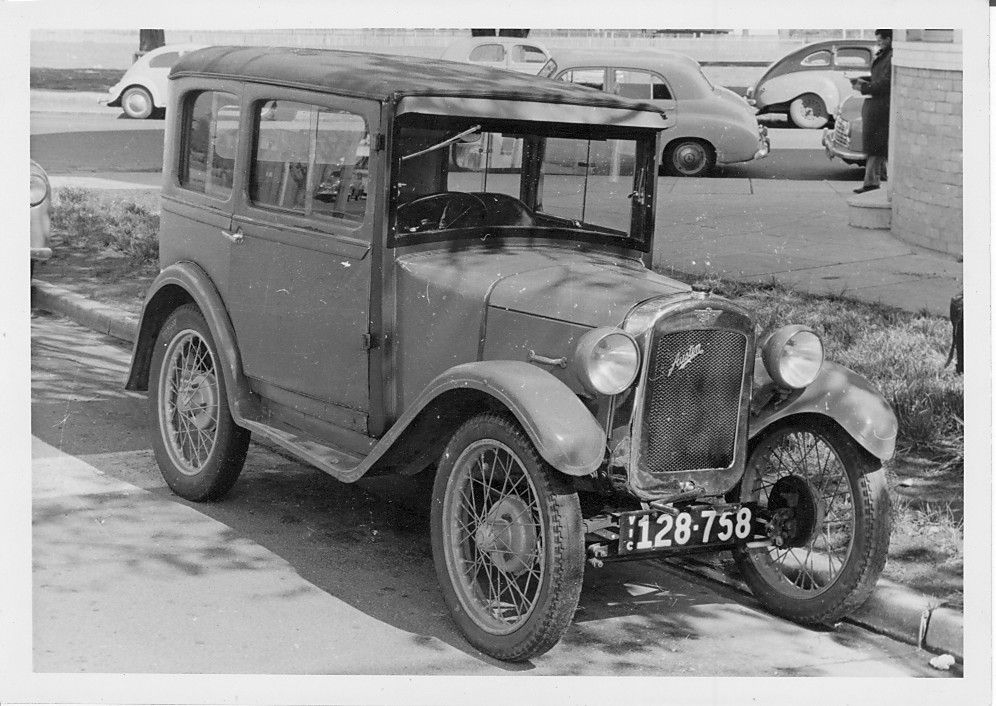
As has been noted the revolting 'free' Photobucket is now totally useless for using on this forum !! so the sooner the forum arrangements change the better-
From Photobucket 'help' -
"What is 3rd party hosting?
Photobucket defines 3rd party hosting as the action of embedding an image or photo onto another website.
For example, using the tag to embed or display a JPEG image from your Photobucket account on another website such as a forum, Etsy, eBay auction listings, blog, etc. is definitively 3rd party hosting.
To upgrade your account or view our competitive subscription plans, click here."
Great help I don't think- and nothing temporary about it !!!
Sounds as though we had all better learn how to use Flickr and quickly !!!
Cheers, Tony.
Location: Melbourne, Victoria, Australia.
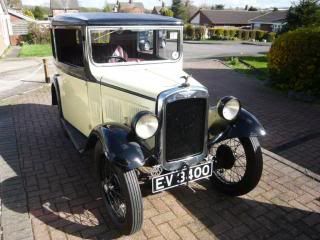
I have a large number of picures on Photobucket. Is it possible to simply transfer these to Flickr?
Brian
Location: Near M1 Jtn 28
I have always used an 800 size on my previous postings with success, but I see what you have done there.
As an alternative to Flickr, which so far I have found less than intuitive, I have also tried Postimage, which seems to be very simple and straightforward; here's a test from Postimage with an 800 size image:


A couple of forums I subscribe to seem to have an automatic re-sizer built into the "upload image" button. I've no idea how this is achieved but it certainly takes the pain out of posting images.
Might this be incorporated into the new, improved version we are awaiting?
I use the infuriating "Tinypics" to resize my photos for this forum, they bombard you with stroboscopic adverts while you are waiting for the re-size.
Location: Ripon
Here's my first boring post, from Flickr...
https://flic.kr/p/W7jmXZ
And another...
Not so successful.
I am using the Flickr app on my iPhone and "share" does not show any option for "embed" - can. My one help me please?
I've never got the app on the iPhone to give me the bb code. Have always had to go through logging into it via safari to get the option
Bryan
👍
Might this be incorporated into the new, improved version we are awaiting?
I use the infuriating "Tinypics" to resize my photos for this forum, they bombard you with stroboscopic adverts while you are waiting for the re-size.
Hi Duncan,
I always use the 'Paint' programme, bundled with my windows laptop, to open and resize photos, so you may already have it. Just right click over the photo and choose 'Paint' to open it and then use the simple resizing tool. I resize to 800 pixels horizontally for the railway forum I use, where we upload photos directly from our PCs.
On another topic, you should have received confirmation of your GPR entry by now, so see you in Le Puy in three weeks.
Bill
Location: Saumur, France
Windows is not something I'm familiar with since I went Mac in 2000.
I hate computers as they don't have hexagon heads I can put a spanner on!
Yes Bill, I got my confirmation, looking forward to my French trip. If you send me a mail we could arrange meeting?
Location: Ripon
Brian
I don't know about that, Brian, I do doubt it but, I have 126 photos split over 2 albums on Photobucket and I have just downloaded both albums in their entirety onto my hard drive.
See "ACTIONS" "download album" on photbucket page.
Ian Mc.
Location: Shropshire
Thanks Ian, I won't waste my time trying. I'll download from Photobucket and then upload to Flickr (that sounds easy!!)
Brian
Location: Near M1 Jtn 28
See "ACTIONS" "download album" on photobucket page.
Ian Mc.
Hmmm! I've just tried that, and nothing happens! Eventually I get the message that my actions have been timed out ...
Hello Mike,
It's all to do with the code language being used and how this is interpreted by the forum. Photobucket (and postimage by the looks of it) will give you a simple bb code "img"filename"/img" ([] instead of ""), this is a format the forum can understand and it knows that it needs to maintain the ratio of width and height when scaling images that are too wide to fit at full size. This works for any size of image posted in this way.
The embed code for flickr is a different language that the forum can only partially understand, it only sees an object that is too big and needs it's width reduced but does not realise it is an image that needs it's ratio kept to appear correctly, Hence the need to feed it a size that is not too big.
There is a BB code option in flickr which would resize the image, but it puts a lot of other code in to allow people to click the photo to get to the flickr page. Unfortunately the forum can't accept this as is and the photo gets lost. It is not difficult to make it work, but the way outlined previously (repeated below) will get results without the need for tampering with the code.
There is no need to resize your images on your computer before uploading to flickr.
Upload your images full size (these will be bigger files than a scaled down version so will take a little longer to upload).
View your photostream (or the specific album) and select the photo you want to share.
Click the share button (it looks like an arrow pointing right).
Select embed and select the 640x... option in the drop down box.
Copy the code from the main box (it starts
Note: If the original image is LESS than 640 wide you simply choose the largest size, as this will be under 640 wide it will not need re scaling and will appear normally on the forum.
Location: New Forest

Dunno Mike, it worked for me, I was using Firefox.
Ian Mc.
Location: Shropshire
Well Ian that looks good !!
'Image was removed'
I managed to have one image uploaded (is that the word?) to Flickr but it won't accept any more - it just reports 'timed out' whatever that means ??
From all the above postings it is not so easy to use Flickr or postimage with this Forum anyway !
I do dislike computers !!
Not so Cheers, Tony.
Location: Melbourne, Victoria, Australia.
Photobucket seems to work OK for me.

Use the IMG option.
Delete everything before the first [IMG], and delete the final [/URL]
Location: Bonnie Galloway

That'll do for me.
Ian Mc.
My fault Tony, messing about with albums (Galleries) in my Postimage acct.
Still learning!!!!

Ian Mc.
Location: Shropshire
